
Paragraphs are content components that are added directly to a page. They allow content editors to build page layouts using predefined content such as feature sections, promos, lists, accordions, or other structured content elements.
Adding a Paragraph to a Page
Paragraphs are not created on their own. To add a Paragraph:
- Create a new Basic Page (or edit an existing one).
- Locate the Paragraphs field on the page.
- Click Add Paragraph.
- Select the desired Paragraph type.
- Complete the required fields and save the page.
The Paragraph will then be displayed as part of the page's content and can be reordered, edited, or removed as needed.
Note: Not all Drupal sites have the Paragraphs module enabled. Some older sites were built before Paragraphs became a standard content editing tool and may not have Paragraphs available.
If your site does not include Paragraphs and you would like to use them, please submit a service ticket. The web team can assist with enabling and configuring Paragraphs for your site.
Available Paragraph Types
Accordions 
Drupal Block
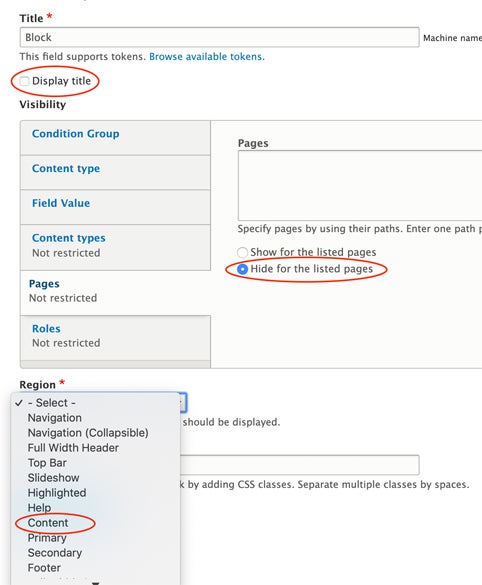
This paragraph lets you place an existing Drupal custom block directly within your page content. Be sure to create the custom block before selecting it here. When setting up the block, uncheck Display title, select Hide for the listed pages under Pages, and choose Content from the Region drop-down menu.
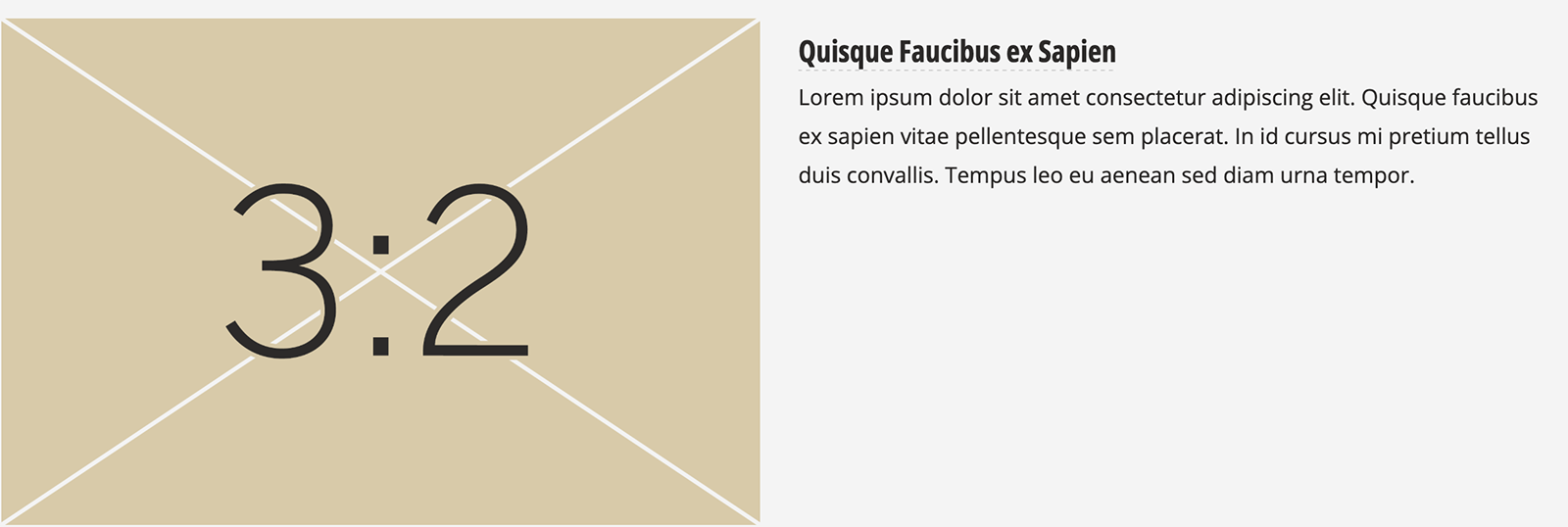
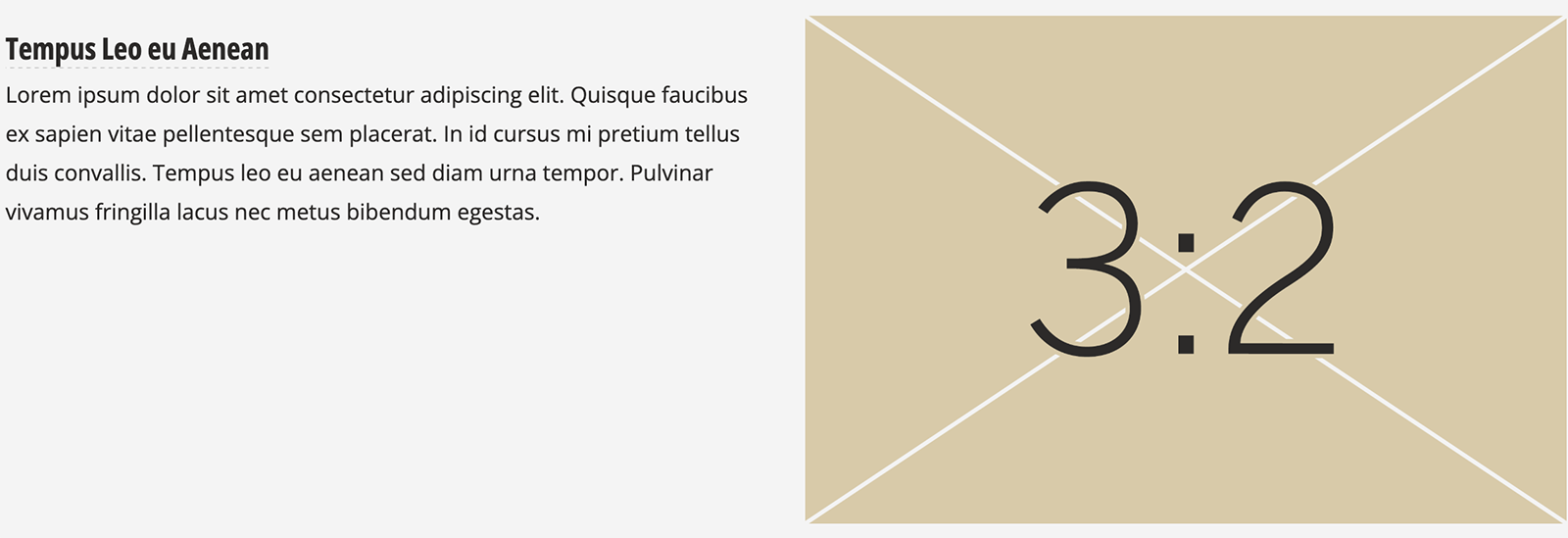
Feature Box (Left/Right)
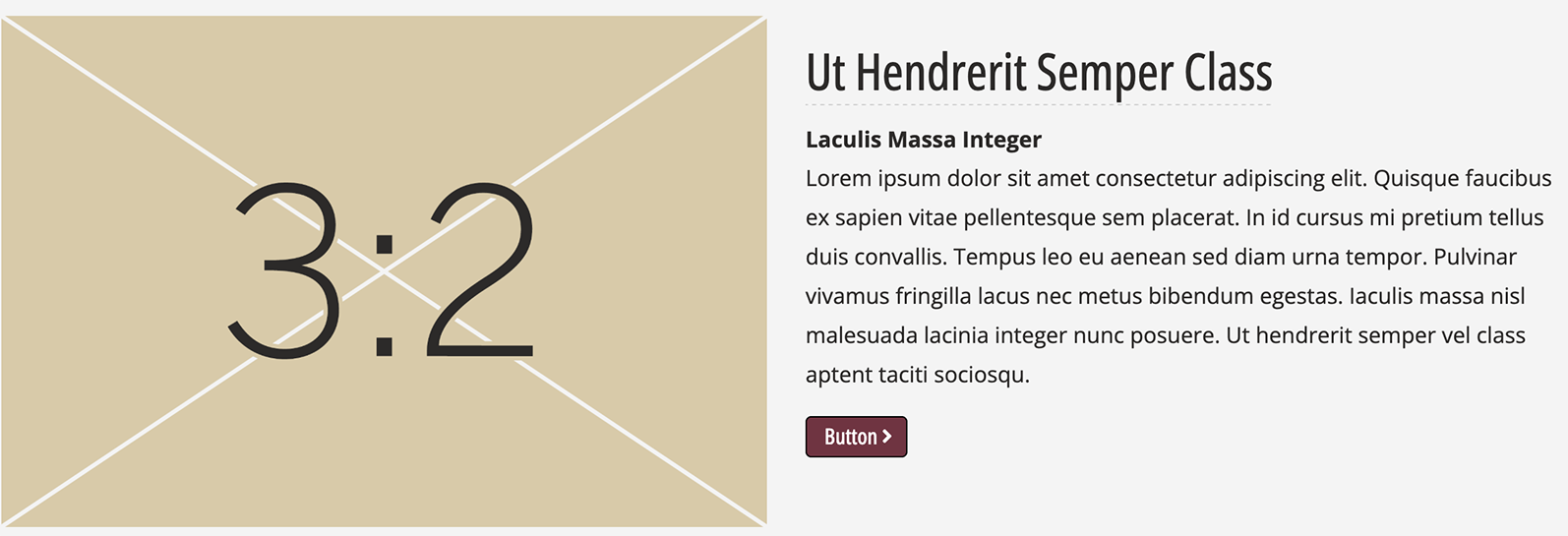
Feature Box: 1-Column Large
Feature Box: Image Top with Buttons
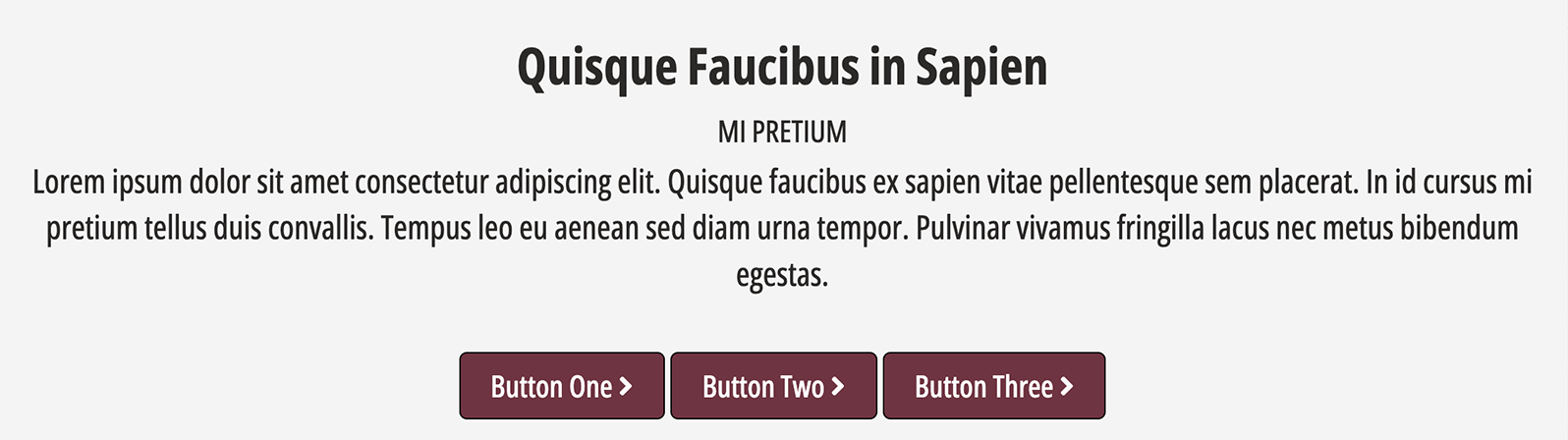
Full Block with Buttons
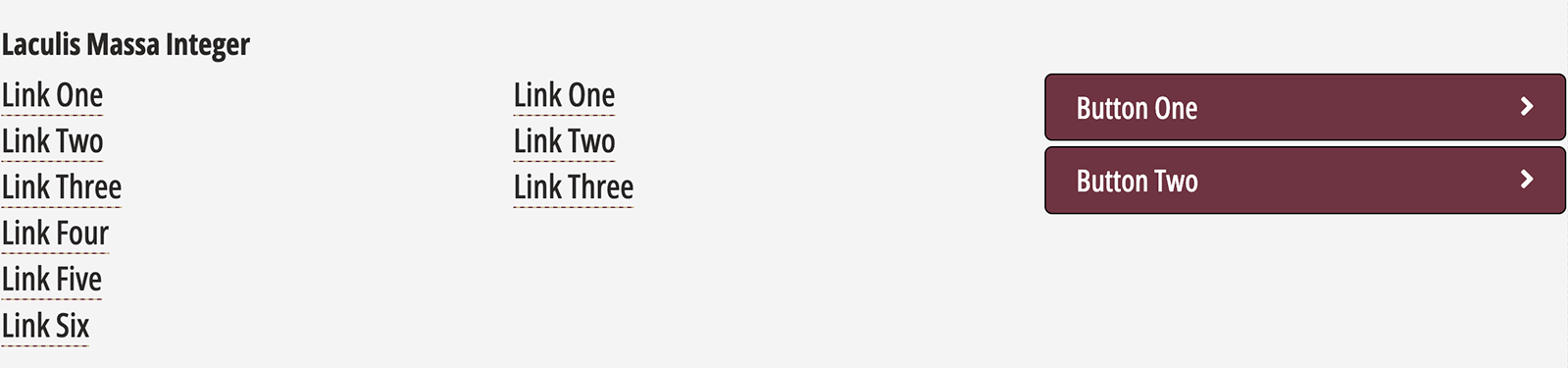
Link List with Buttons
Promo with Images: Three-Up with Buttons
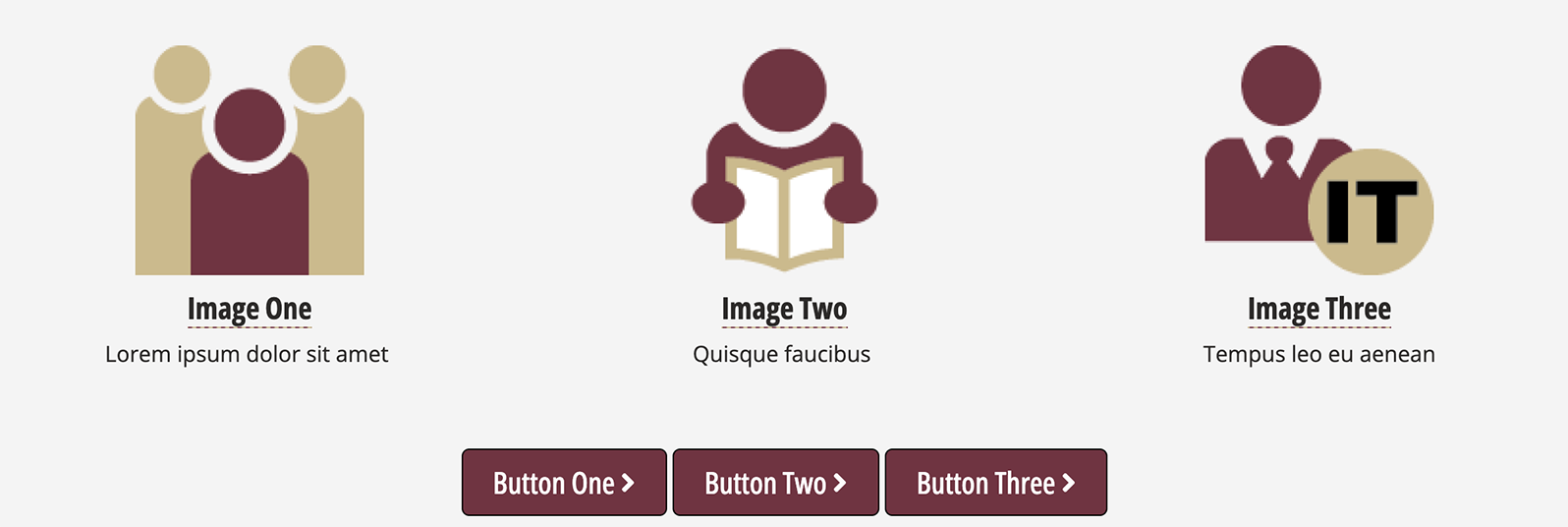
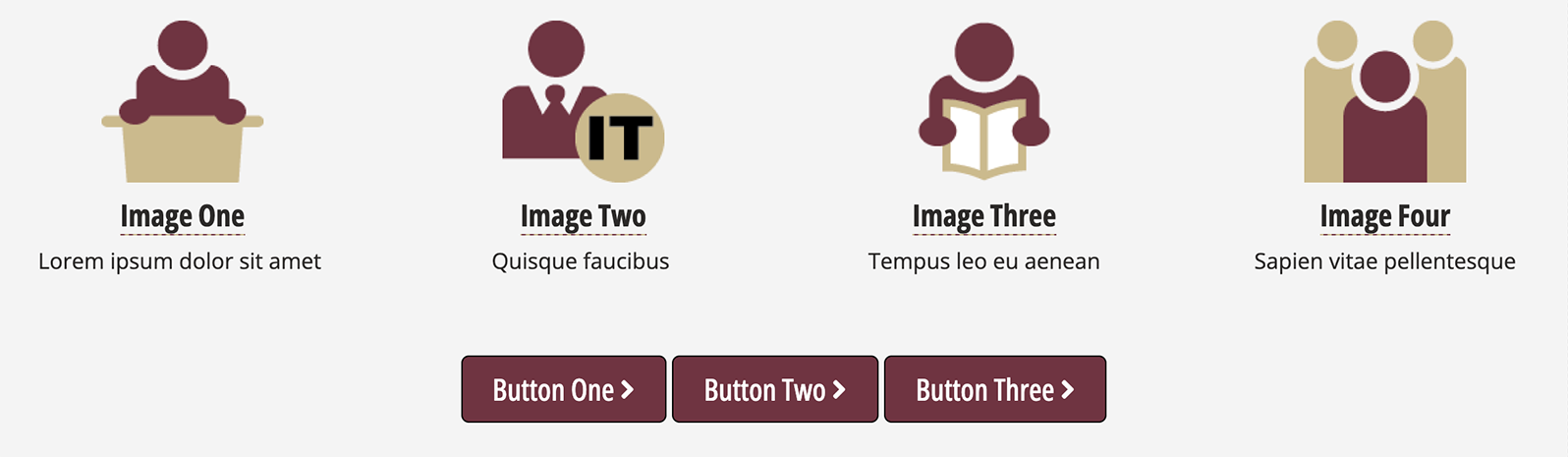
Promo with Images: Four-Up with Buttons
Text with Buttons
